
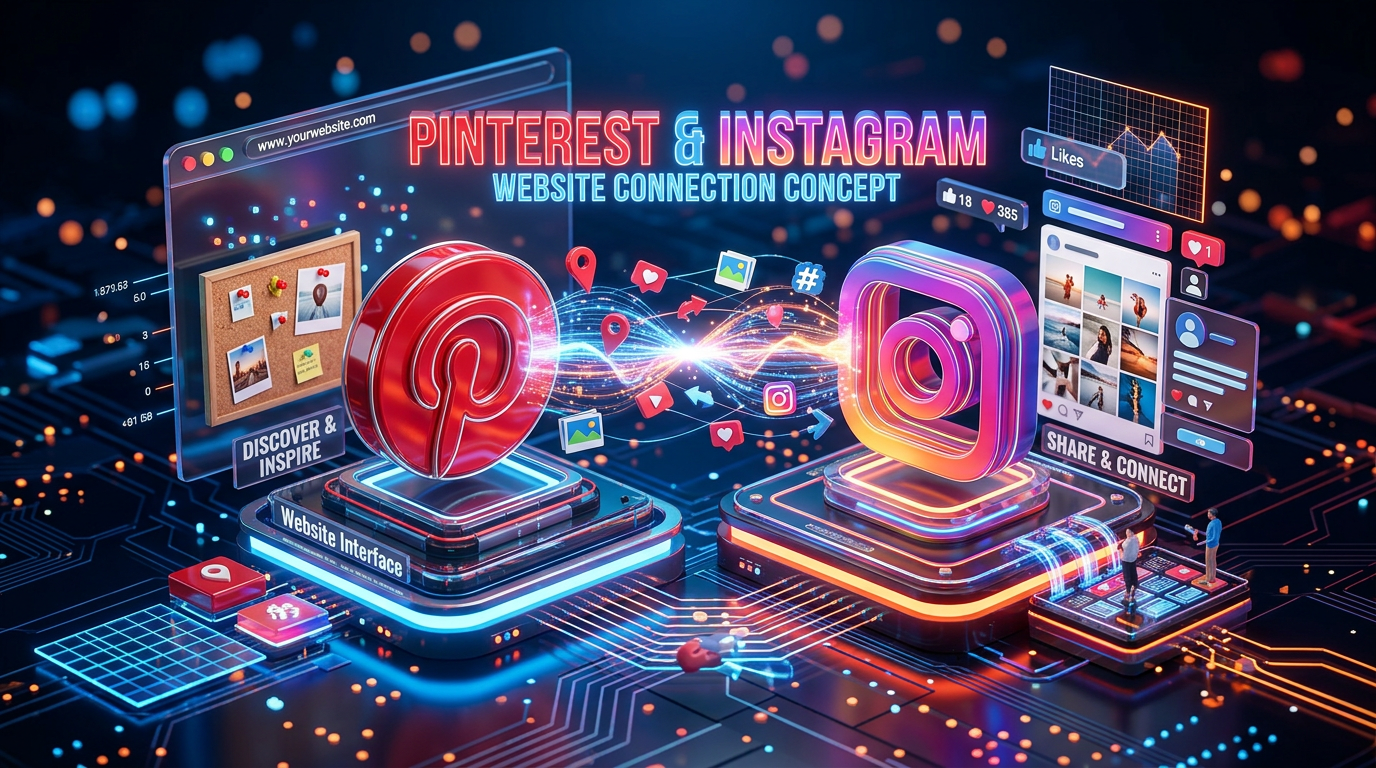
Ultimate Guide to Connecting Pinterest, Instagram, and Your Website
Stop Chasing Likes and Start Driving Traffic:
Ready to stop scrolling and start converting? Here is how to create a traffic-driving ecosystem that connects your favorite platforms.
Why Should You Care? (The “Connect-the-Dots” Philosophy)
Think of your digital presence like a party. Instagram is the exciting entryway where people get a glimpse of the fun. Pinterest is the discovery engine that sends people toward the dance floor. And your Website? That’s where the drinks are served (and where you actually close the sale).
The Benefits of Linking It All Together:
- Evergreen Traffic: Your Instagram content lives for about 24-48 hours. A Pin lives in the search results indefinitely. Connecting them allows your content to work overtime while you sleep.
- The “Claimed” Advantage: When you “claim” your website and Instagram on Pinterest, you get access to advanced analytics. You’ll know exactly which of your products or blog posts are getting saved, clicked, or ignored.
- Attribution Glory: If someone finds your content on Pinterest and saves it, you get full credit. You build your brand authority, even when someone else is doing the pinning for you.
- SEO Boost: Pinterest acts as a massive backlink generator for your domain. Google loves sites that have consistent, high-quality traffic flowing in from reliable search engines.
Step 1: Claiming Your Territory (Your Website)
Before you start pinning, you need to tell Pinterest: “Hey, this website belongs to me.” This is non-negotiable for serious business owners.
- Get the Meta Tag: Go to your Pinterest settings, click “Claimed accounts,” and hit “Claim” next to Websites. Pinterest will provide an HTML tag.
- Add it to your Site: Depending on your host (Wix, Shopify, WordPress), you’ll drop this tag into your site’s “Site Verification” or “Header” section.
- Verify: Head back to Pinterest and click “Verify.” Once it turns green, you’re officially the captain of that domain. Now, your profile photo will appear on every Pin that comes from your site.
Step 2: The Instagram-to-Pinterest Bridge
You don’t have to manually recreate every single Instagram post. You can automate the heavy lifting.
- Connect in Settings: Navigate to your Pinterest settings, go to “Claimed accounts,” and select “Instagram.”
- Authorize Access: Log in to your Instagram account in the pop-up window and grant the necessary permissions.
- Enable Auto-Publishing: Once claimed, you can set up auto-publishing. Pinterest will pull your IG posts and turn them into Pins.
- Pro Tip: Don’t let it pull everything. If you have a post that’s just a casual selfie or a
#sponsoredad that doesn’t fit your brand aesthetic, use Pinterest’s keyword filtering to exclude specific hashtags.
- Pro Tip: Don’t let it pull everything. If you have a post that’s just a casual selfie or a
Step 3: From Social “Like” to Website “Sale”
While auto-publishing is a time-saver, the “manual” touch is where you win the SEO game.
- Pinterest-First Workflow: Instead of writing for Instagram first, write your blog post or product description first. Create 5-10 “Pin-worthy” graphics for that single piece of content.
- Optimize for Search: Pinterest is a search engine. If you’re selling handmade candles, don’t just title your pin “Cozy Vibes.” Title it “Handmade Soy Candles for Relaxing Home Decor.” Use keywords in your pin titles and descriptions to make sure you show up when someone searches for that specific solution.
- Include a Call to Action (CTA): Every Pin should have a destination. Whether it’s an e-commerce checkout page or a blog post with an email sign-up, give the user a clear reason to click.
Frequently Asked Questions (FAQs)
Q: Does connecting Instagram to Pinterest mean I should stop posting on Instagram?
A: Absolutely not! Instagram is for building community and brand personality. Pinterest is for capturing high-intent search traffic. Use them together; don’t pick one over the other.
Q: Is auto-publishing really good for my reach?
A: It’s great for consistency, but a manual Pin—specifically designed for Pinterest’s vertical format with a keyword-rich description—will almost always outperform an auto-published square Instagram photo. Use auto-publishing to fill the gaps, not to replace your strategy.
Q: How long does it take to see results?
A: Pinterest is a slow burn. Unlike Instagram, where a post peaks early, a Pin might take 3-6 months to reach its full potential. Patience is your best friend here.
Q: What if I have multiple websites?
A: You can claim multiple websites! Just follow the verification process for each domain within your Pinterest Business account settings.
Q: Do I need a professional graphic design tool?
A: It helps, but it’s not required. Tools like Canva have pre-made Pinterest templates that are sized perfectly for the platform. Just keep your fonts readable and your images high-quality.

Leave a Reply